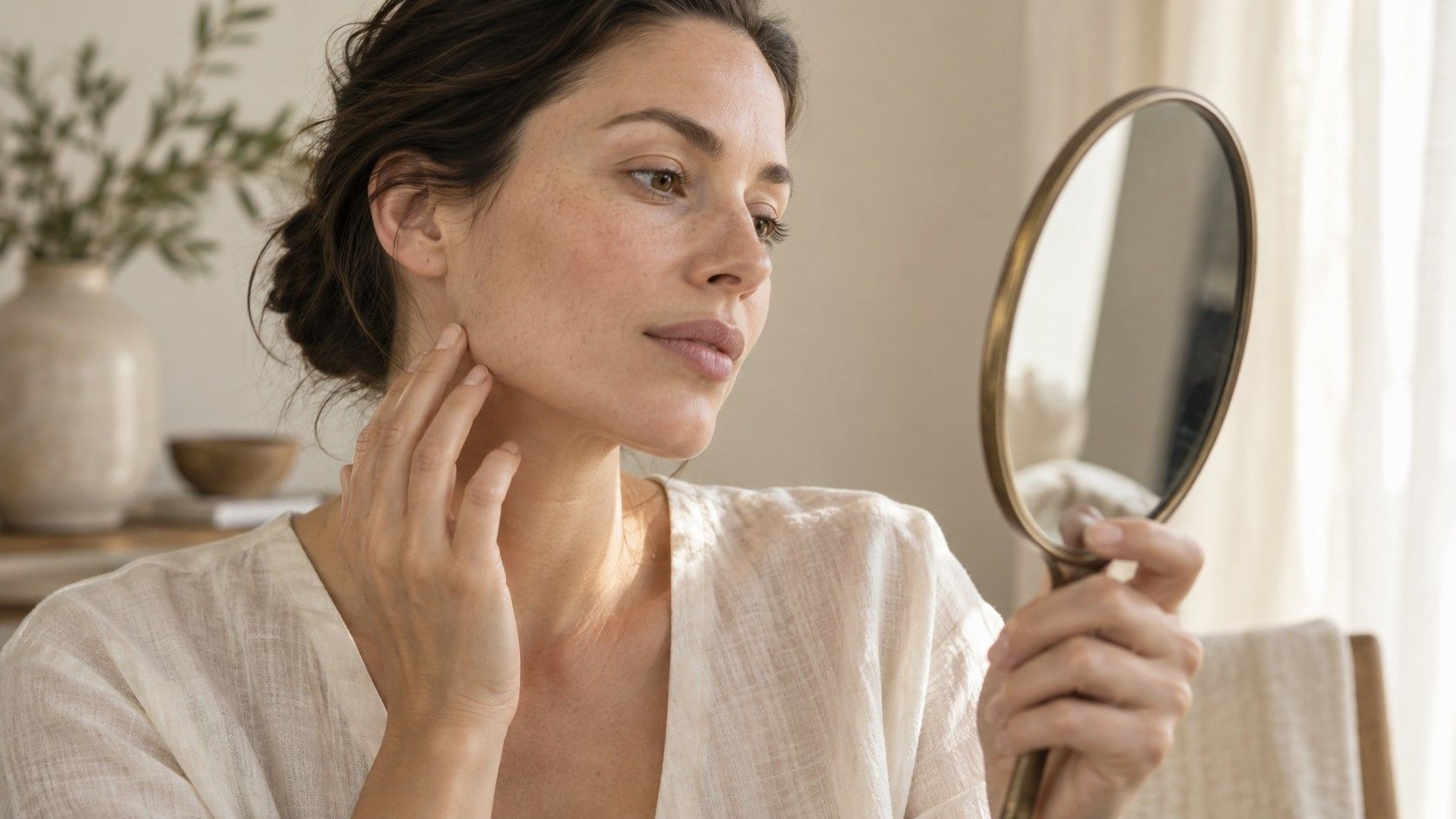
One calculator calls your face oval, another says oblong, and a third returns heart. It is tempting to keep uploading photographs until two agree. I would first check whether the tools are answering the same question with the same information. Shape categories overlap, landmark placement varies, and a close selfie can change the apparent proportions. Different face shape calculator results are useful evidence of uncertainty. They are a reason to inspect the inputs and descriptions before choosing another label.
Check whether the tools offer the same categories
Read the available result names before comparing the verdicts. A tool that offers only round, square, oval and heart cannot return diamond or oblong, even if another tool includes those options. It may place your proportions in the nearest available group. Agreement between labels is therefore meaningful only after you understand what each system allows and how it describes the groups.
Even familiar terms may be used differently. One description might emphasize the jaw outline, while another gives more importance to length compared with width. Some tools separate oblong and rectangular; others combine them. There is no universal set of numerical boundaries that every face shape calculator follows. A disagreement can reflect two different classification systems rather than a badly taken photograph.
Save the short explanation beside the category if the tool supplies one. “Face length exceeds width and the lower outline curves gently” tells you more than “oval.” If two tools give different names but similar descriptions, the practical disagreement may be small. If one says your cheeks are widest and another says your jaw is widest, you have a specific feature to examine in the input image.
Compare the photograph before comparing the verdict
Use the same unaltered image for an initial comparison, provided you are comfortable with each service's handling of it. A straight-on view with a relaxed expression, visible face outline and even light gives you a clearer basis for discussion. Hair covering the temples or a beard obscuring the jaw leaves missing information that an automated process may handle differently.
Camera distance affects perspective. An arm's-length selfie and a portrait taken from farther away can show different apparent relationships between the center and sides of the face. Put the camera farther away at approximately face height and crop afterward if needed. Keep your head upright and face near the center of the image. Do not assume a larger image file corrects perspective introduced during capture.
A smile changes the cheek outline, and tilting the chin changes the visible jaw boundary. Filters or retouching can alter the very features being classified. If the results came from different photographs, label that comparison as inconclusive until you repeat it with a controlled image. It is hard to learn anything from changing the tool, lighting, pose and expression at once.
Inspect where the landmarks actually land
If a calculator displays measurement points, look at them before accepting the output. Check the top hairline point, chin point, cheekbone markers and jaw locations against the visible image. A point placed on a strand of hair or a shadow may change a width or length. When a tool allows manual corrections, follow its instructions and use a consistent interpretation instead of moving points to obtain a preferred shape.
Forehead width is especially easy to compare unfairly. Two tools may use different heights across the upper face. Jaw width may refer to the visible front outline in one method and a distance between anatomical landmarks in another. A tape measurement following the skin is also different from a straight distance across a flat image. Matching units does not make those measurements equivalent.
Small changes in placement can move a borderline face across a category boundary. Repeat a doubtful mark once and note the range you obtain. If a tiny adjustment changes the label from oval to round, the reasonable conclusion is that the label is sensitive to that input. It does not establish that either category is the single correct answer. Keep the underlying proportions and the uncertainty together.
| Where results differ | What to compare | Useful conclusion |
|---|---|---|
| Names only | Category lists and written descriptions | The tools may use different vocabulary |
| Face length or width | Photo, landmarks and measurement method | The inputs may describe different distances |
| Jaw outline | Head position, facial hair and light | The boundary may be obscured or distorted |
| Label after a tiny adjustment | Repeated placement of the same points | The result may sit near a category boundary |
Look for limits and privacy details you can understand
A claim about face shape calculator accuracy needs context: accurate at what task, compared with what reference, and on which images? A confidence number shown beside a result is not automatically the probability that your face has that shape. It may be a score defined by the system. Without an explanation of the method and evaluation, avoid turning that number into a scientific guarantee.
Useful transparency includes a description of the required photo, the categories available, how measurements are obtained and what can make a result unreliable. A clear limitation is more informative than a broad claim of perfect detection. A tool that gives a decisive answer despite hidden landmarks may simply be omitting its uncertainty. Presentation quality and confident wording cannot demonstrate measurement quality.
Before uploading a recognizable portrait, check the service's privacy information. Look for whether the image is sent to a server or processed locally, what is retained, how deletion is handled and whether secondary uses are described. Do not infer local processing because a result appears quickly. If the explanation is absent or unclear, you can choose a manual comparison without sending the image there.
Use your own photograph or one you have permission to use. Avoid including other people or unnecessary background details in a test image. Cropping can reduce unrelated information, although a cropped portrait remains identifiable. Trying several services expands the number of places receiving the image, so there is little benefit in uploading to a long list merely to collect more votes.
Run one small comparison with a clear question
Choose a question narrow enough to answer: do two tools describe the same widest area when given the same photograph? Write down the image used, any manually entered measurements, the category and the explanation. Keep the record private if it contains your portrait. Two carefully documented outputs are easier to interpret than a gallery of screenshots taken under changing conditions.
Next, repeat the measurement or landmark placement once using the same instructions. This checks whether the process is stable under your own use. Then, if necessary, make a second photograph with the same setup to see whether the main observations persist. Repeating an identical uploaded file may show software consistency, but it does not prove that the original image represents your proportions well.
Change one factor at a time. If you want to test expression, compare neutral and smiling images while keeping the camera position similar. If you want to test distance, keep the expression and head angle consistent. You do not need an elaborate experiment for a styling decision; the purpose is to locate a plausible source of disagreement and avoid treating every changed label as new information about your face.
Stop when the test has answered that question or shown that the boundary remains uncertain. A majority vote among tools is not a substitute for a shared definition or reliable input. Several services could apply similar assumptions, and a different label from one service could still have a reasonable explanation. Count the consistent observations rather than the number of matching words.
Turn a conflicting result into something you can use
Write a short description without a category: face appears longer than wide, cheekbones are the broadest area, jaw narrows gently, forehead is partly hidden. Include only features you can see consistently. This is enough to begin comparing glasses or discussing hair. “Oval with some angular jaw definition” can also be a useful shorthand when a single word feels too restrictive.
For glasses, test the fit before the shape recommendation. A frame should sit comfortably at the bridge and temples and behave well when you smile. For hair, consider texture, growth patterns, upkeep and the silhouette you want. Neither decision needs a perfectly settled classification. A label can organize examples, but it should not overrule a comfortable frame or a haircut you like wearing.
If the result still feels puzzling, return to the original outline instead of searching for a more authoritative-sounding score. Check whether the apparent difference would change your actual choice. Round versus square might suggest trying both curved and angular frames; you can do that directly. Heart versus diamond might draw attention to temple and cheekbone width; compare those areas and keep the rest open.
The useful outcome is a stable set of observations and a practical next step. You may finish with one preferred label, two plausible labels or no category at all. All three can support sensible styling decisions. Face proportions have more detail than a small menu of shape names can hold, so a little disagreement is something to interpret rather than something you must eliminate.